

Our Services
All the solutions you need to accelerate growth and drive business success.
All the solutions you need to accelerate growth and drive business success.
Infor CloudSuite Services
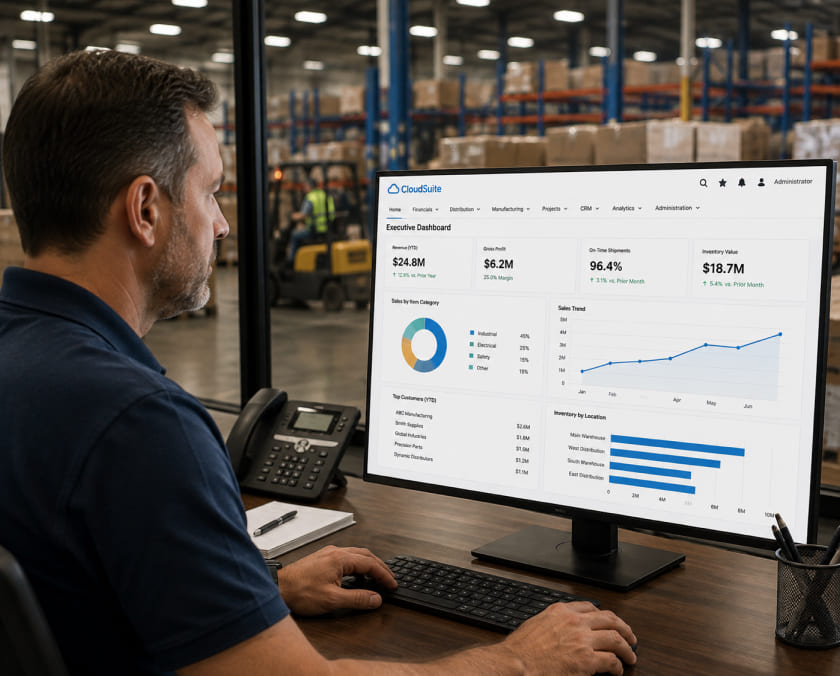
Infor CloudSuite ships as industry-specific editions with data models and workflows already built for your sector. Most implementations configure it like a generic ERP anyway and lose the advantage that made the platform worth its cost.
Infor's real differentiator is that CloudSuite is not one generic ERP wearing an industry label. Each edition, Industrial, Distribution, Food and Beverage, Healthcare, and more, is genuinely pre-configured with industry-specific data models and workflows. Companies choose it for exactly that fit. The gap most implementations hit is treating the edition as a starting point to be configured from scratch instead of a head start to build on, which erases most of the reason for choosing Infor over a generic platform. Dotlogics configures CloudSuite to actually use the industry-specific foundation it ships with.


of ERP implementations do not deliver the expected results. Not because of the platform. Because the system was configured around defaults instead of how the business actually operates.
Gartner ERP Research
Infor CloudSuite implementations that rebuild workflows from scratch instead of using the pre-built industry edition lose the exact advantage that justified choosing Infor.
Companies select Infor CloudSuite specifically because the industry edition comes with data models and workflows already matched to how that industry operates. That is a genuine advantage over generic ERP platforms. The gap shows up in three consistent patterns.
Dotlogics starts every engagement by confirming the edition matches actual industry requirements, then configures around the pre-built data model instead of rebuilding it.
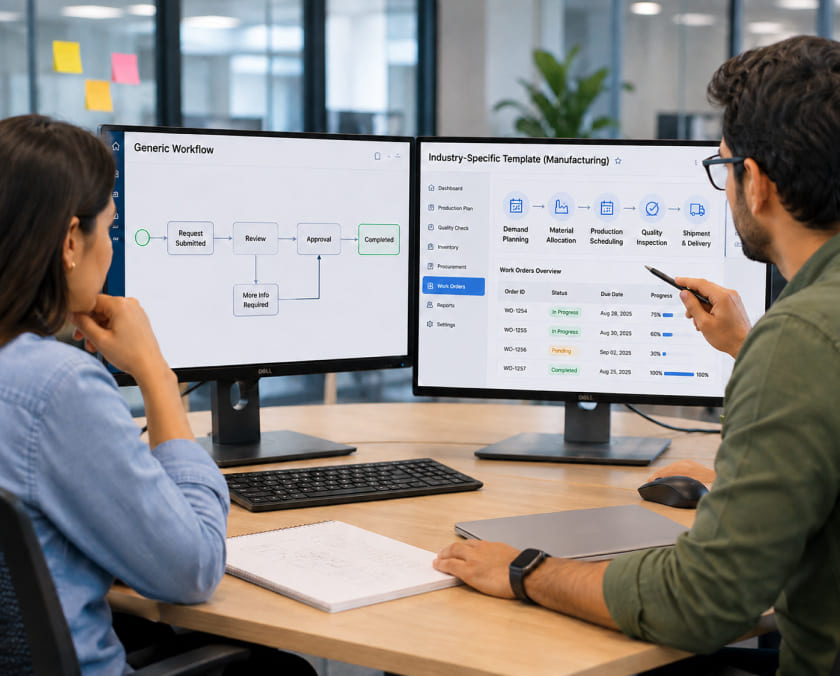
Every Infor CloudSuite engagement starts with confirming the industry edition actually fits the operation.
Confirming the right CloudSuite edition for your specific industry and implementing around its pre-built data model rather than rebuilding from scratch.
Auditing an existing CloudSuite instance that was implemented without fully using its industry-specific pre-configuration.
Sequencing and configuring CloudSuite correctly across multiple facilities or countries without treating every site identically.
Connecting CloudSuite to CRM, ecommerce, and shop floor systems through Infor OS or custom integration.
Results
ERP and Systems Integration
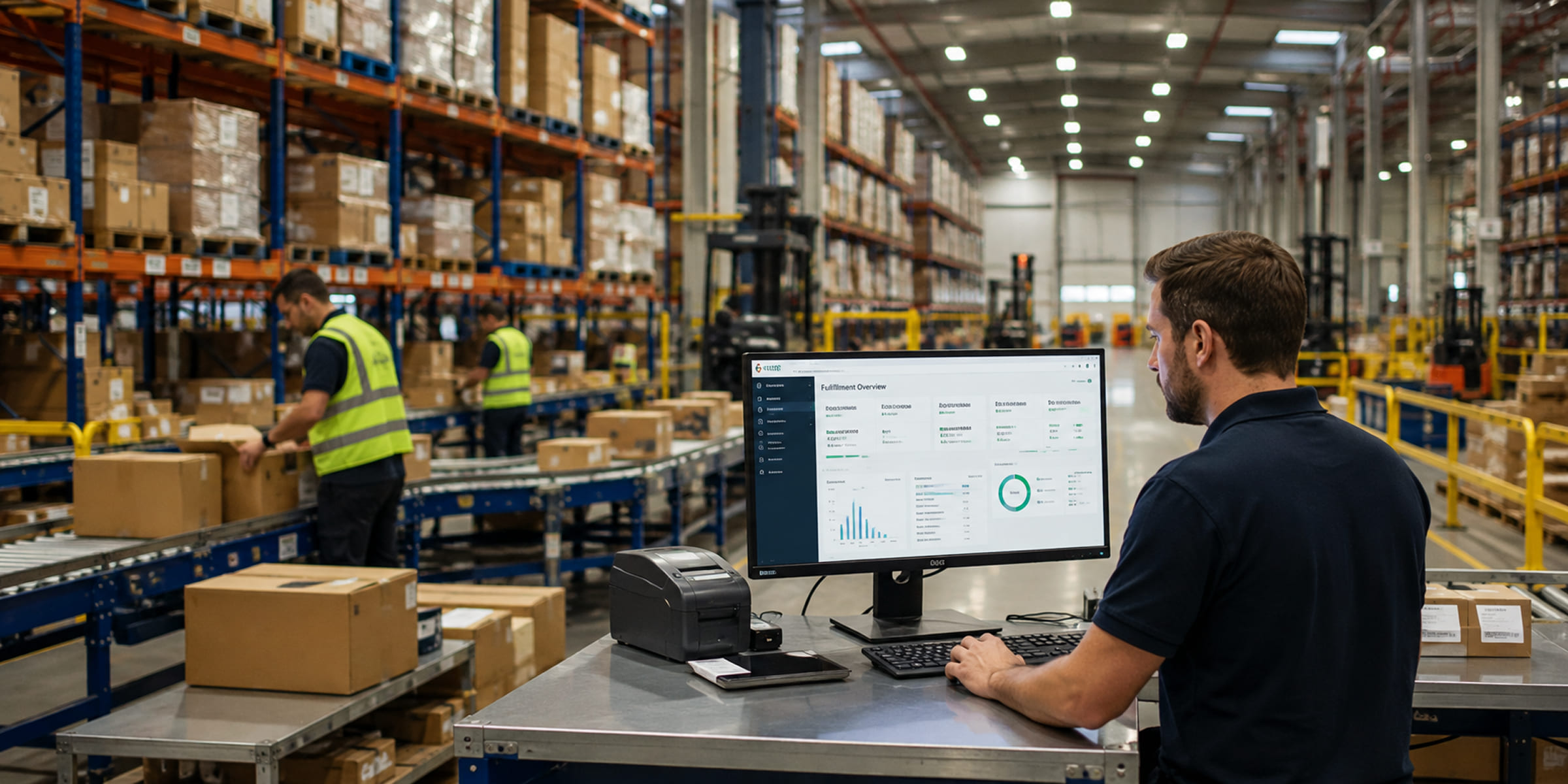
A wholesale hardware distributor was running on a generic ERP configuration that ignored the industry-specific distribution workflows available in the platform. After reconfiguring around the distribution edition's native inventory and fulfillment capability, reconciliation dropped from two full days to under two hours weekly and order processing capacity increased by 60% without adding headcount.
These are different underlying ERP engines from Infor's acquisition history, packaged under the CloudSuite name. CloudSuite Industrial, built on SyteLine, fits mid-size discrete manufacturers. Infor LN fits complex global manufacturing like aerospace and automotive. Infor M3 fits process manufacturing and industries like food and beverage. Choosing correctly matters significantly.
Pricing typically starts around $150 per user per month and scales with modules, industry edition, and deployment complexity. Enterprise implementations commonly run $200,000 to $1,000,000 depending on scope, with 3-year total cost of ownership at 100 users often landing between $920,000 and $2.4 million.
Both are manufacturing-focused, but Infor generally offers broader industry edition coverage and a wider partner ecosystem, while Epicor is more tightly focused on discrete manufacturing with strong shop floor integration. The right choice depends on your specific industry vertical and whether you need Infor's broader multi-industry reach.
Yes, though this requires deliberate sequencing and configuration. Each site's local requirements need to be mapped before rollout rather than assuming a uniform configuration works everywhere.
Industry editions ship with data models, workflows, and reports already matched to how that industry operates, reducing the configuration work needed to reach a fit that a generic ERP would require building from scratch.
Typically nine to eighteen months for enterprise-scale deployments, depending on the number of sites, edition complexity, and integration requirements.
Yes, through Infor OS, the platform's integration and analytics layer, or through custom API integration for systems outside the native connector library.
It can be, but its industry-specific depth and enterprise pricing generally make more sense for larger manufacturers with genuine industry-specific complexity. Smaller operations with straightforward requirements are often better served by a lower cost platform.
The most common cause is heavy customization beyond the standard edition, multiple integrations that were not scoped upfront, or multi-country rollouts that were not properly sequenced during discovery.
Infor CloudSuite's advantage is real: industry-specific data models built in from day one. The engagement makes sure that advantage is actually configured into the system, not rebuilt from scratch at generic-ERP cost.